Security & Data Sovereignty with GAPTEQ

With GAPTEQ, you decide where your data is stored, who has access to it, and how your application uses the data. Security, compliance, and data sovereignty – all under your control, not ours.

Four Questions That Matter

What you should know about your data

Icon of networked DB

Where is my data stored?

Your data is stored in your own database or lakehouse platform, not in a GAPTEQ silo.

Icon of networked people

Who can access it?

Only those whom you have authorized through your permissions policy have access.

Icon of an open hand with shield above

How is my application protected?

Your app is secure: encrypted, protected against attacks, and continuously updated.

Icon of a Laptop with AI written on the screen

What does AI do with my data?

GAPTEQ AI processes only the data that you explicitly share. Nothing more.
No additional data copy

Your data stays where it is

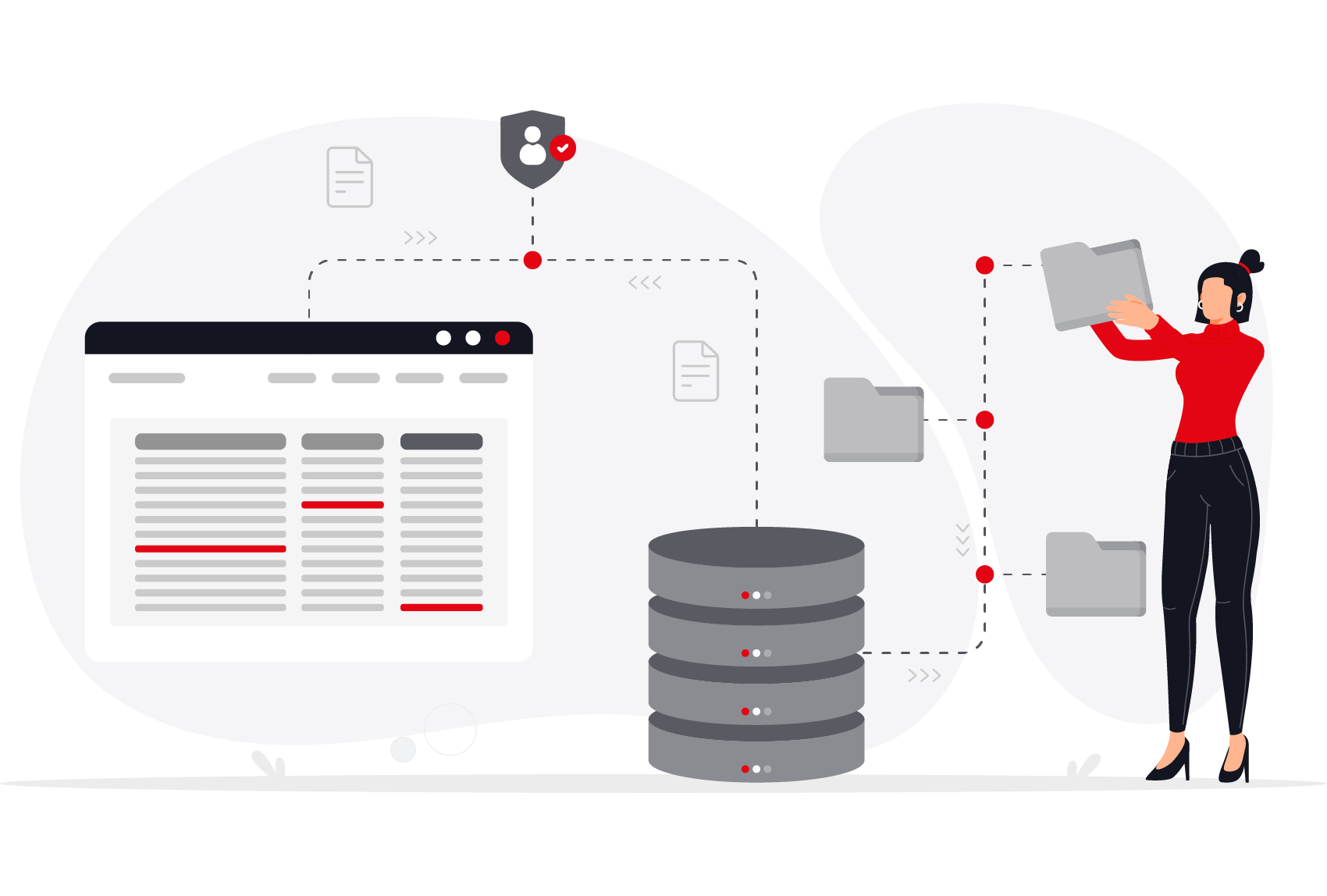
Many low-code and no-code platforms come with their own database and transfer your data there. GAPTEQ does not do this. The application provides the user interface and logic; your data remains in your existing SQL database or lakehouse platform. This means there is no additional storage location that you need to monitor or secure separately.
Vector infographic showing the data's journey—from user input through the cloud application to the employee.
Tailored to Your Needs

You decide where GAPTEQ runs

GAPTEQ can be fully integrated into your on-premises infrastructure or operated flexibly as a cloud-based solution. Decide which option works best for you.

On-Premise - You host
Cloud - We host
Operation
On your infrastructure, either on-premises or on a VM
Hosting on Microsoft Azure (Western Europe)
Data Storage Location comptab-infoalt7-icon
In your own data source
Optionally in a Microsoft Azure database or your own cloud database
Access to the Database
Entirely under your control
For databases hosted by us: A dedicated database user with access to the data and schema comptab-infoalt7-icon
Standalone operation is possible without a permanent internet connection
comptab-yes-icon
comptab-no-icon
Suitable for
Existing IT infrastructure, security-critical networks and applications
Quick startup, low operating costs
You develop it. We'll take care of the rest.

Security that just runs in the background

Security is not optional. GAPTEQ automatically provides the necessary security mechanisms so you can focus on what matters most.
Icon of multiple adjustable sliders

Encrypted connection

HTTPS is enforced on the server side; unencrypted requests are not permitted under any circumstances.

Icon open Hand with shield above it

Protection against common attacks

Protection against known attack patterns targeting web applications is built into GAPTEQ from the ground up.

Icon of circulating arrows with word update in between

Ongoing patch management

Security-related updates are released regularly, and customers are actively kept informed.

Icon of a pen on top of notes

Tested in the field

Penetration tests have already been successfully conducted for customers.

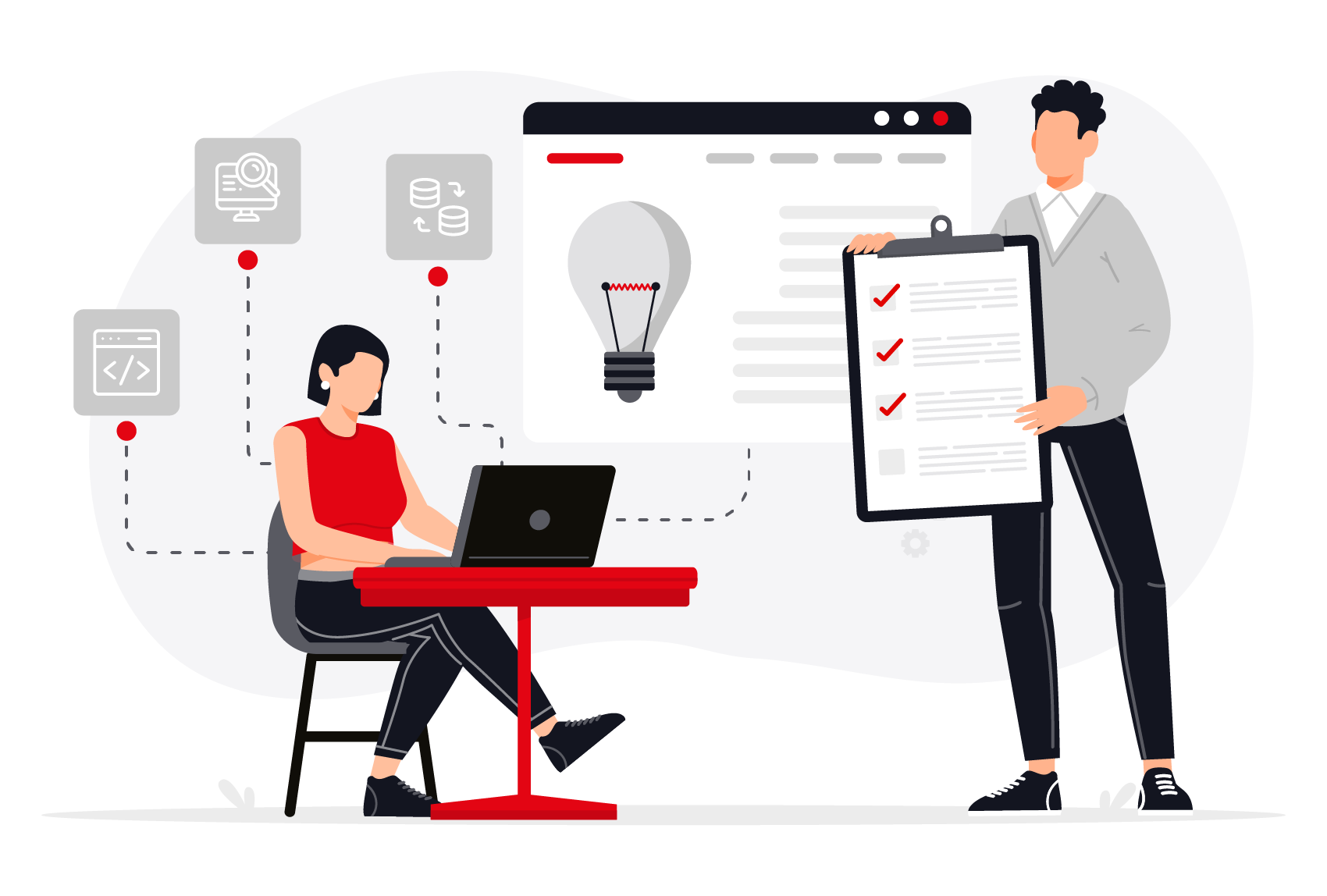
Vector infographic for application development. It illustrates the aspects that must be considered during development and how management and control work in a symbolic sense.
Everyone sees only what they're allowed to see

Granular access control at every level

Permissions can be controlled at a granular level across multiple tiers: from application login, through individual pages, all the way down to the record level. This ensures that each user truly sees and edits only what they are authorized to access. Create internal users or import users and groups from directory services or Entra ID – managed centrally rather than maintained individually.

AI only sees what you share

Control even with AI

GAPTEQ Assist is the gateway to established AI services such as OpenAI, Microsoft Azure OpenAI, DeepSeek, and Google Gemini – right within your application. The AI only has access to explicitly authorized data, not your entire dataset. This shifts the question from “Should we use AI at all?” to “Which specific data should we make available?”

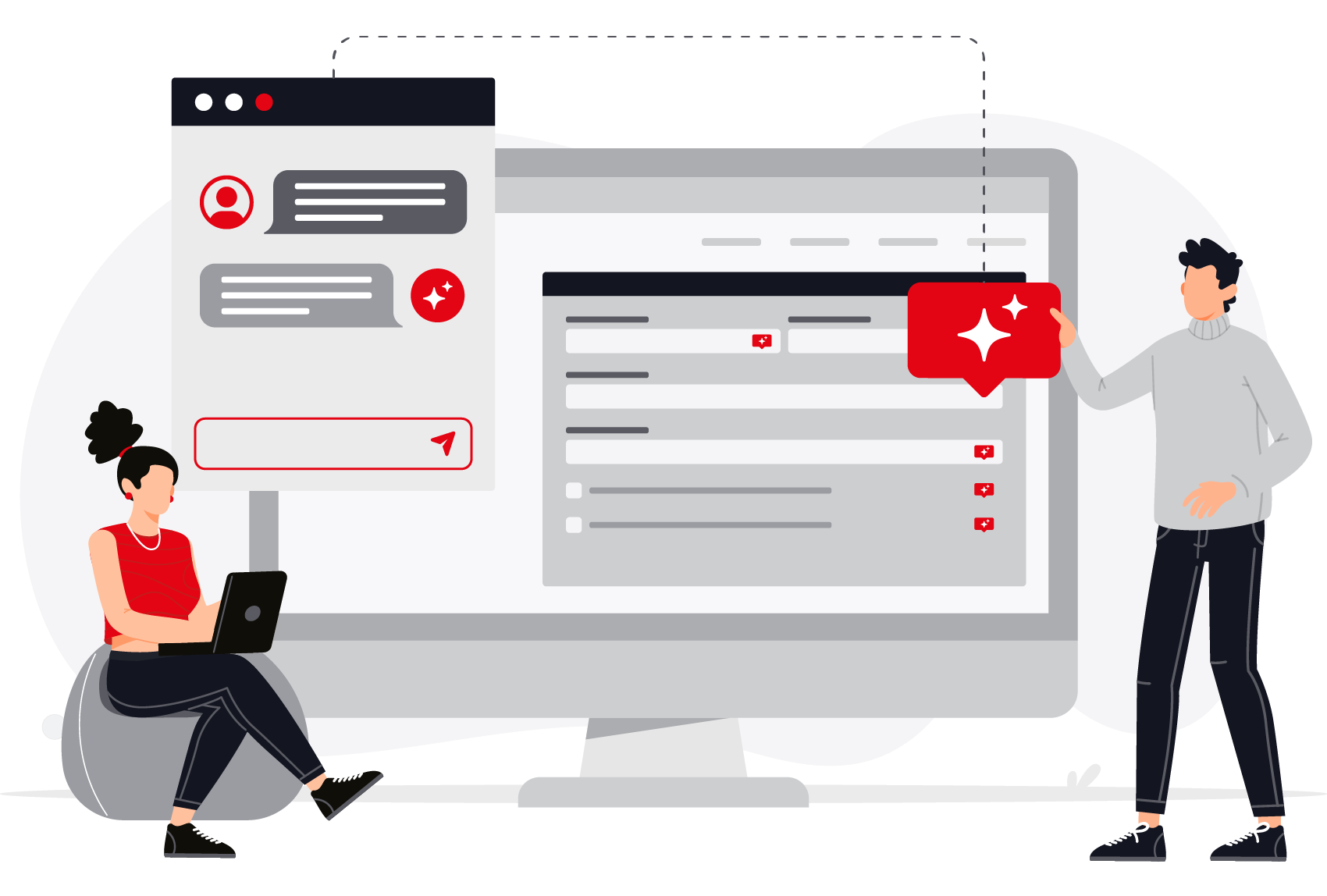
Vector infographic illustrating how to monitor the integration of AI assistants into data processes. Depicted by two people interacting with a chat window and a website support form.
Made in Bavaria

Reliable for over 10 years

GAPTEQ meets the criteria you expect from a reliable partner: availability, security, and consistency.
Founded in 2016
Headquarters in Brannenburg
Personalized Support from Germany
Over 7,000 users
“GAPTEQ ensures the data security and transparency required for our tax analyses, which we found difficult to achieve using Excel spreadsheets.”

Economics Department, Augustinum Nonprofit LLC

“GAPTEQ is as unique as our app. As a GDPR-compliant low-code platform for SQL databases, it has no equivalent on the market.”

Dr. Tina Mandel, Founder, dentinostic

Everything You Need to Know. At a Glance.

Frequently asked questions about security and data protection at GAPTEQ

Where does GAPTEQ store my data?

Your data is stored in your own SQL database or Lakehouse platform. GAPTEQ does not have a built-in data store, so it does not create any (new) data silos. Your data remains where you already manage and secure it today.

Can GAPTEQ be run on-premises?
Yes, GAPTEQ can be operated on-premises. If necessary, it can also operate completely independently without a permanent internet connection in security-critical networks.
Can it be used in a GDPR-compliant way?

Yes, GAPTEQ provides the necessary tools to create applications that are fully GDPR-compliant.

How does GAPTEQ protect against common attacks on web applications?

Protection against known attack patterns is built into the software from the ground up, supplemented by regular security updates and penetration tests that have already been successfully conducted for customers.
What happens to my data when I use the AI features?

GAPTEQ Assist only has access to the data that you explicitly authorize it to access. It does not have blanket access to your entire dataset.

Can permissions be set in GAPTEQ, and how does that work?

Yes, GAPTEQ includes a built-in permissions system by default. You can individually control who is allowed to view or edit which data. Permissions are granted at various granular levels – from application login to individual pages and down to the record level. Users can log in via internal accounts, directory services, or EntraID.

Do you have questions about security or your specific use case?

To ensure nothing is left unclear: Talk to us about your specific requirements for security, data storage, and access.